
iPhone app
Your camera can still send photos to your phone.
The app that used to receive them cannot run on a current iPhone. NX LinkConnect does. It joins a Samsung NX camera's own Wi-Fi, lists the card, and copies the full-resolution originals straight into your photo library — no cable, no card reader, no computer.
What it does
Everything the camera's wireless menu offers, from the phone.
Each of these was built against real hardware and tested on it, rather than inferred from a protocol Samsung never documented.
The card, as a grid
Thumbnails for everything on the camera, cached on the phone so the second look is instant.
Full-resolution originals
What lands in your photo library is the file off the card, EXIF intact — not a resized copy.
Live viewfinder
What the camera sees, on the phone, as H.264 video while the camera is still framing it.
Remote shutter
Fire the camera from the phone; the photo arrives on the phone the moment it is taken.
Nothing leaves the phone
No account, no server, no analytics. The app talks to one thing: your camera, on its own closed network.
Built from the hardware up
Written against two real cameras, a packet at a time, including the parts Samsung never documented.
On the phone
What it looks like
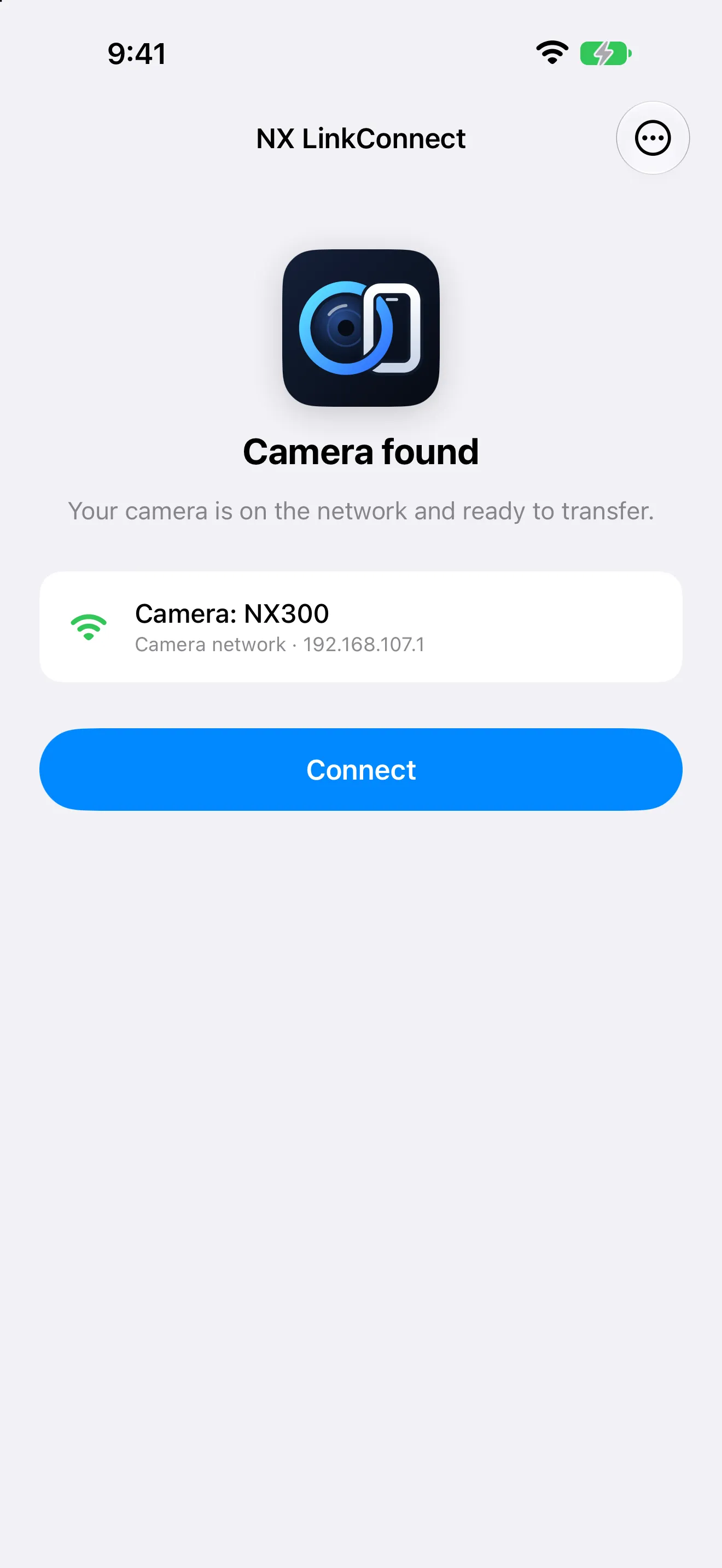
ConnectJoin the camera's Wi-Fi and the app finds it on its own. 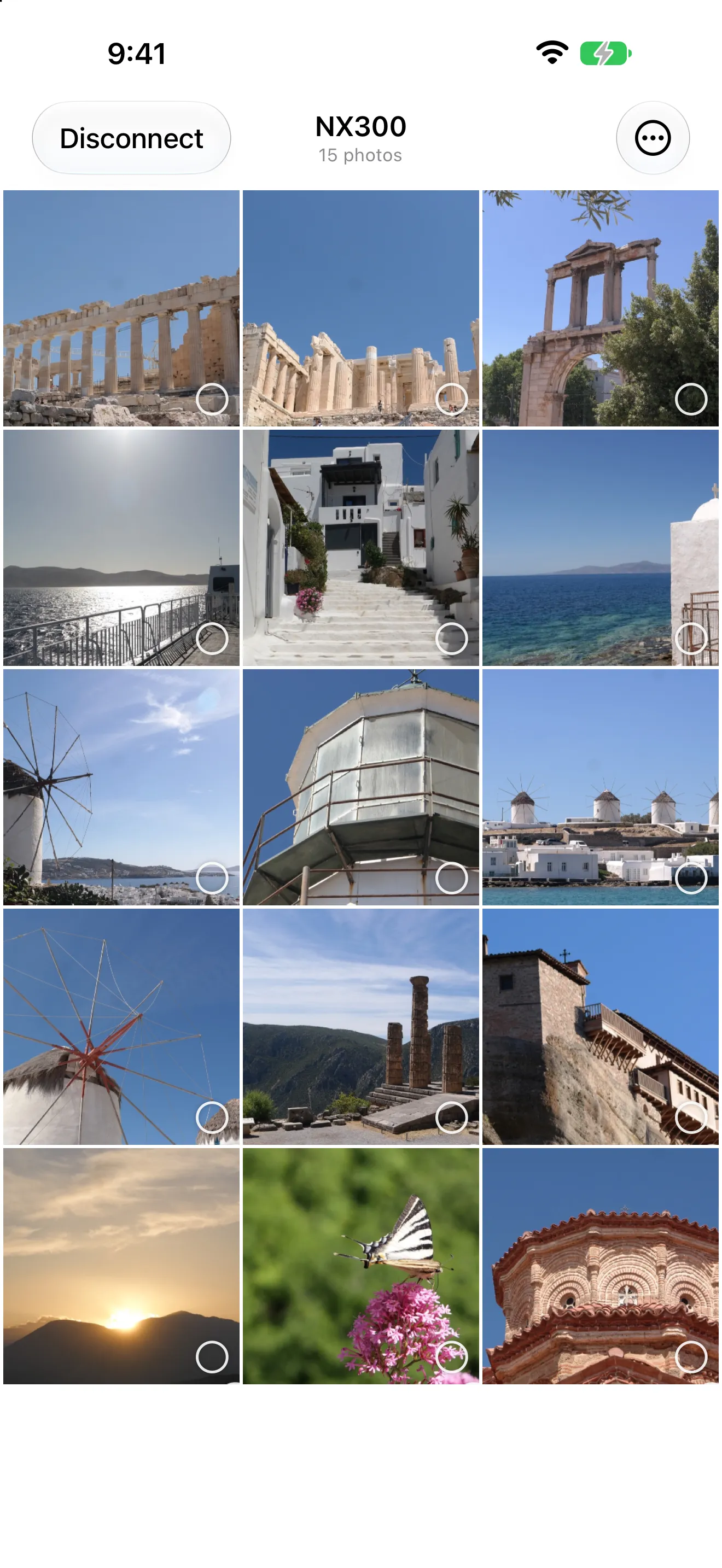
The cardEverything on the camera, as a grid, with thumbnails cached between sessions. 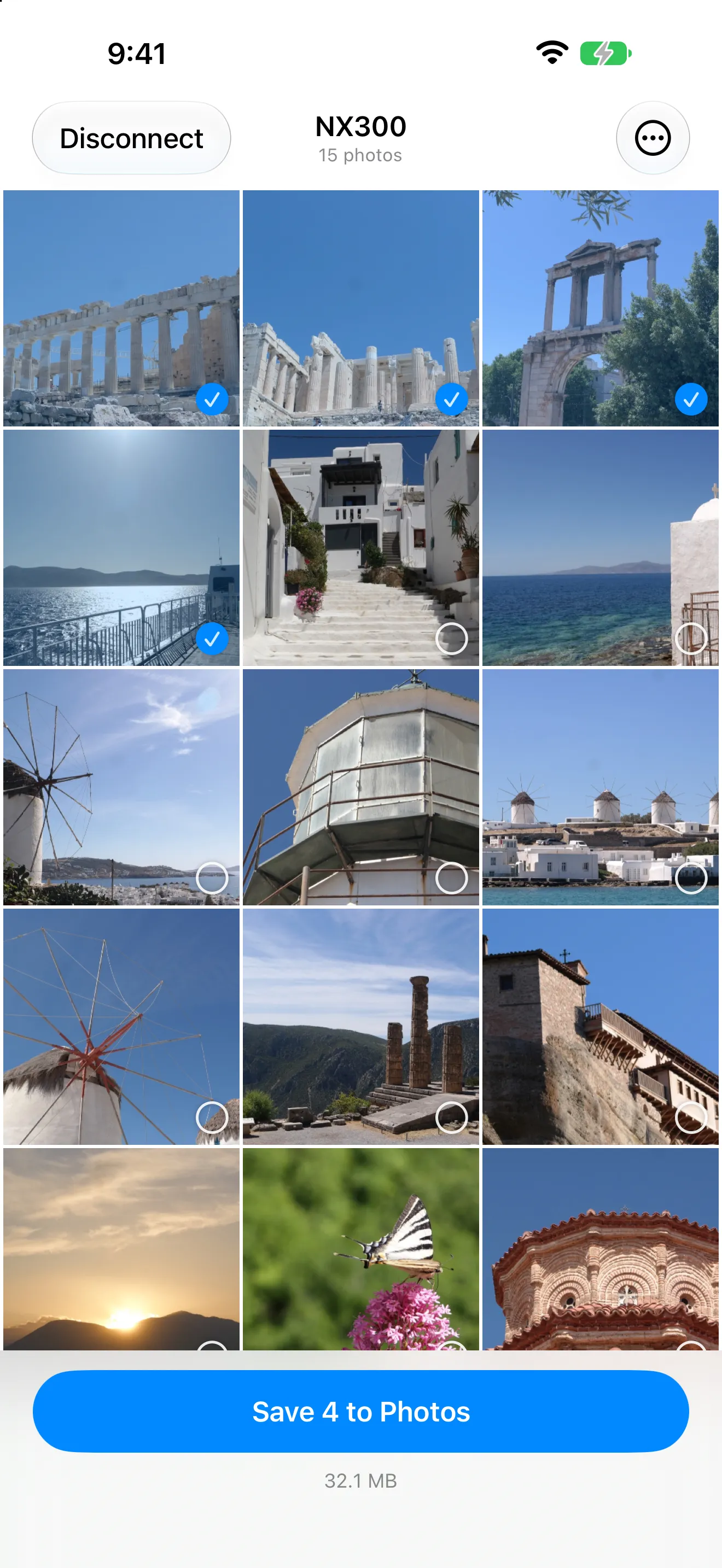
PickTap what you want. The bar counts the files and what they weigh. 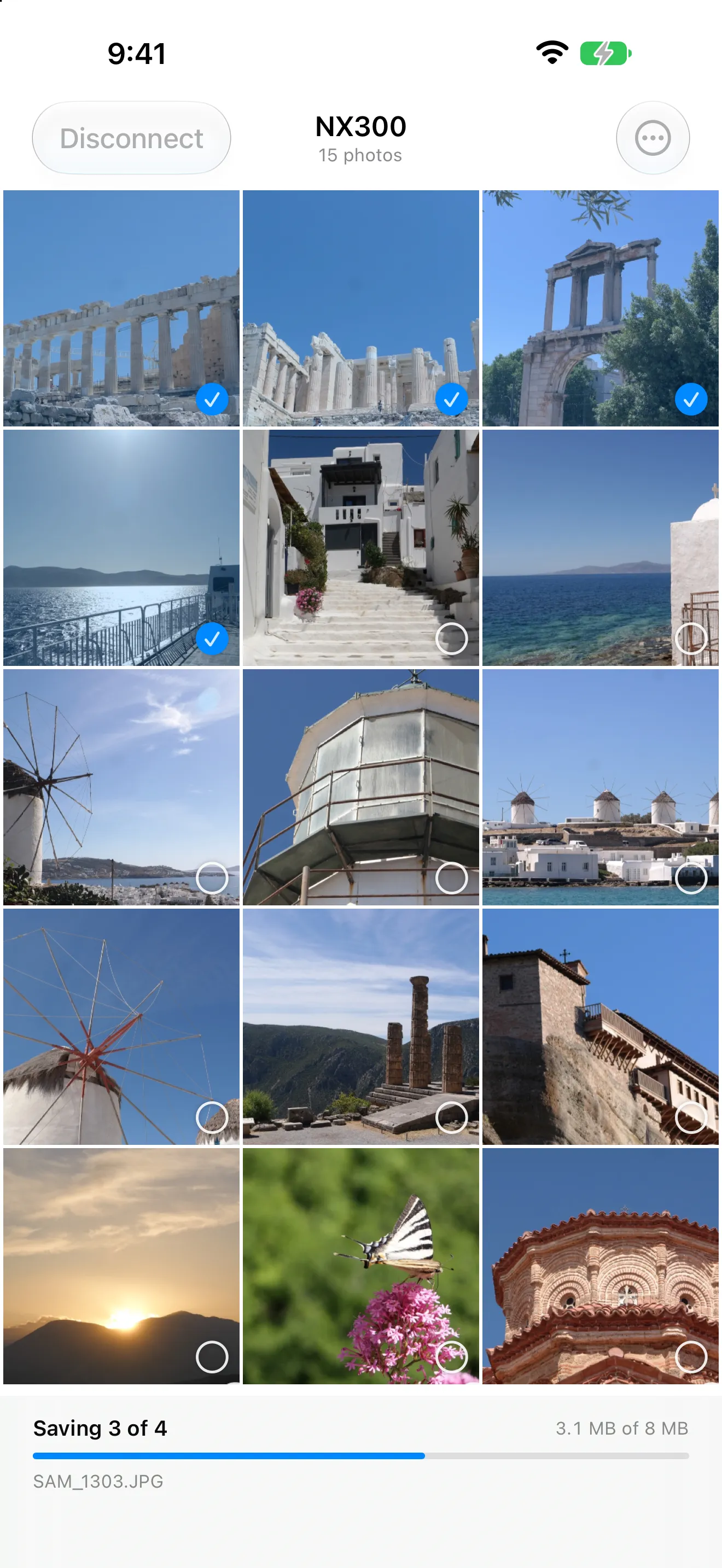
TransferFull-resolution originals, straight into the photo library.
How it works
Three steps, once.
The camera makes its own Wi-Fi network and serves the card over it. The app is the other end of that conversation.
On the camera
Open the wireless menu and choose Link, then Select Files from Smartphone.
On the iPhone
Settings › Wi-Fi, join the network whose name starts with AP_SSC_NX. It has no password, and no internet — stay on it anyway.
Open NX LinkConnect
It finds the camera and connects on its own. Tap the photos you want, then Save.
Cameras
Which cameras it works with
Two bodies tested from end to end, and six more that share their hardware generation with one of them and should behave the same. The app reads what a camera declares rather than branching on its model, so there is nothing in it for your body to trip over.
| Camera | Status | What works |
|---|---|---|
| NX300 | Tested end to end | Browse, transfer, live view, remote shutter |
| NX3000 | Tested end to end | The same, and it shares JPEGs only — never RAW |
| NX300M, NX2000, NX30 | Expected to work | Everything the NX300 does. Same DRIMe IV processor, same wireless stack — untested only because I do not own one. |
| NX3300, NX mini | Expected to work | Everything the NX3000 does, JPEG-only sharing included. Same M7MU generation. |
| Galaxy NX | Good odds | Shares the NX300's DRIMe IV generation. Android runs the camera, so the menu to look for differs — the transfer itself should be the same. |
| Other NX bodies with Wi-Fi | Worth trying | Nothing in the app is written for a model: it reads what the camera declares and adapts. Tell me how yours goes. |
One thing to know before you decide the app is broken: these cameras never offer RAW files over Wi-Fi. If the camera shoots RAW only, its photos will not appear. Set it to JPEG or RAW+JPEG.
Why it exists
A camera should outlive its app.
Samsung left the camera business in 2015 and withdrew the Smart Camera app. The hardware did not stop working: an NX300 still raises its access point, still indexes its card, still answers. What disappeared was the one piece of software that knew how to ask.
That protocol was never documented. NX LinkConnect was written against two real cameras, a packet at a time — reading the decompiled original app, the firmware, and in the end the SQLite index on the camera's own memory card. Every behaviour the app relies on was confirmed on hardware rather than inferred, which is why it can say which cameras work instead of hoping.